
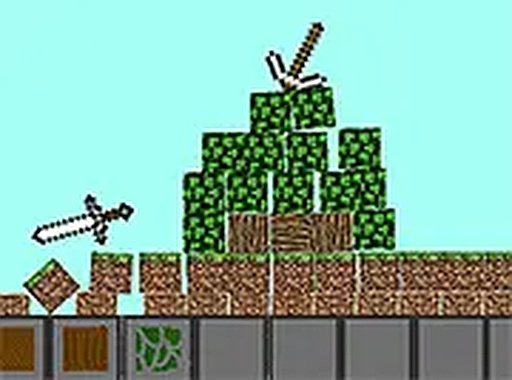
A Grid-Based Creative Sandbox
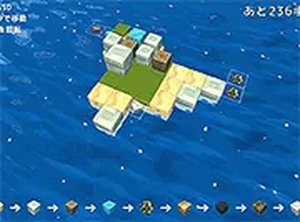
Voxel Builder Studio hands you a palette of blocks and a three-dimensional grid. There are no prescribed goals, no win states, and no failure conditions. You pick a block, choose a color or shape, and place it exactly where you want. The grid provides a stable foundation, so every placement is precise and predictable. Whether you stack a simple tower or assemble an abstract sculpture, the experience is entirely self-directed. This open-ended structure encourages experimentation and personal expression, making each session unique to the builder.
Controls Built for Immediate Use
The interface is designed to get you building within seconds. Using a mouse or touch input, you select a block type and position it on the grid. There are no complex menus or tutorials to navigate. The responsive controls work smoothly across screen sizes, and the grid system ensures accurate placement without fuss. This simplicity makes the game approachable for young children exploring shapes as well as adults looking for a low-pressure creative pastime.
A Calm, Distraction-Free Environment
Stress-free play is the core concept here. No timers, scores, or failure states interrupt the process. The visual aesthetic is clean and soothing, minimizing distractions so you can focus on building. The gentle, repetitive act of placing blocks can feel therapeutic, promoting focus and mindfulness. It suits short breaks or longer unwinding sessions after a busy day.
Playable on Desktop and Mobile
Voxel Builder Studio runs entirely in your web browser with no downloads or installations. It is optimized for both desktop computers and mobile devices, so you can build on a phone, tablet, or laptop. The responsive design ensures controls work smoothly regardless of screen size. This cross-platform compatibility lets you fit creative sessions into your daily routine wherever you are.
Spatial Thinking Through Building
While primarily a creative outlet, the game engages spatial reasoning. Arranging blocks in three dimensions requires planning and visualization. Players naturally learn about balance, symmetry, and structural integrity as they build. This subtle educational aspect makes it a gentle introduction to concepts used in architecture and design. The open-ended nature allows continuous learning through trial and error in a safe, encouraging environment.





Editorial Notes