

Four Themed Styling Categories
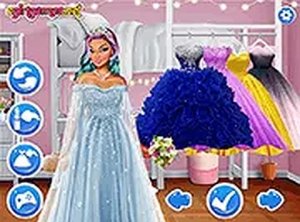
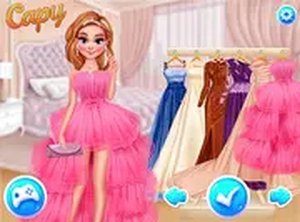
Players start by picking one of four outfit categories, each placing Kiki in a different festive setting. The wardrobe for each theme includes tops, bottoms, dresses, shoes, and accessories. Clicking any item applies it instantly, so you can swap pieces quickly and see how they work together. The interface stays out of the way, letting you focus on combining items until the look feels right.
Makeup and Coordinated Details
After choosing clothes, you move to a makeup section. Here you can select lip colors, eyeshadow shades, and other facial details to match the outfit. This step ties the whole look together and adds a layer of customization beyond clothing. The options are simple and intuitive, so players of any age can use them without instruction.
Visual Atmosphere and Setting
Bright, warm graphics create a welcoming mood. Each category has its own visual theme, ranging from snowy scenes to cozy indoor settings. The cheerful color palette and gentle animations keep the experience pleasant, and the design avoids clutter so the character and clothing remain the focus.
Saving Looks and Tracking Progress
Once an outfit is complete, you can save it to review later. The goal is to finish all four themed categories, each with a distinct style. Saving progress lets you see how your choices evolve over multiple sessions and gives a sense of accomplishment as your collection grows.





Editorial Notes